Case Study
Designing Placeit for Mobile: A Product Exploration
Product Design
Role & Contribution
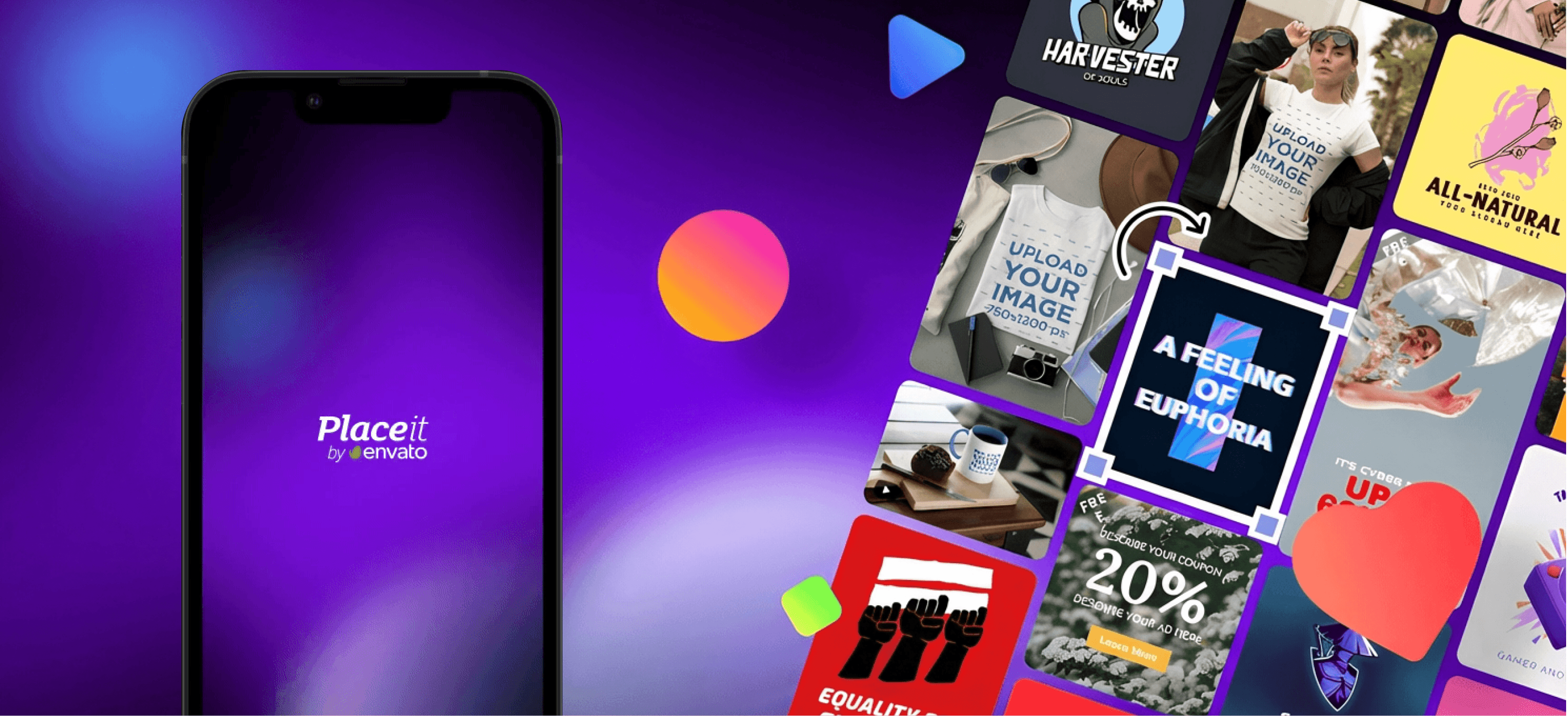
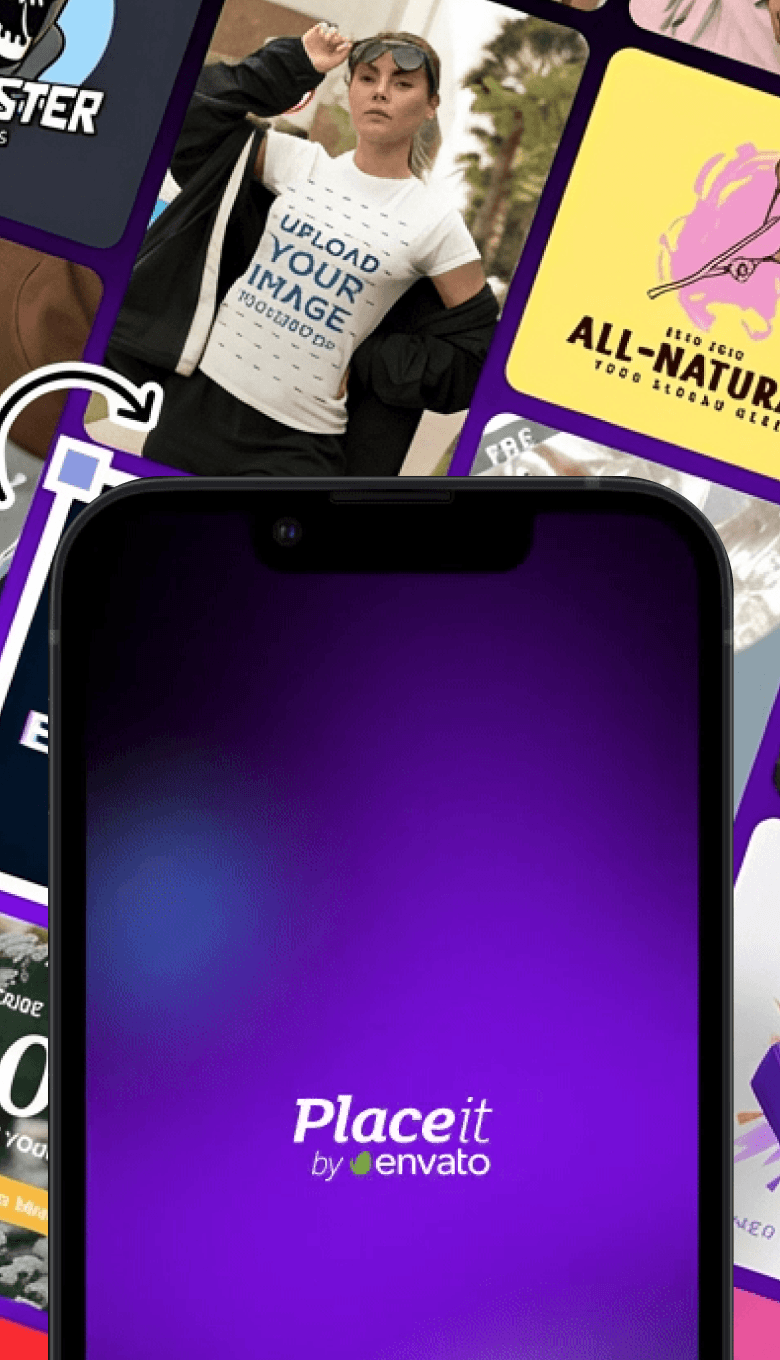
I led the exploration and interaction design for a potential mobile-first experience of Placeit.
My responsibilities included:
Defining the product exploration scope
Establishing interaction principles for mobile workflows
Designing high-fidelity prototypes to simulate realistic usage scenarios
Evaluating how native mobile patterns could coexist with existing web-based systems
Framing the product question
Placeit is widely used for quickly generating marketing assets, from mockups to social media graphics. While the product is accessible through responsive web layouts, the experience was originally designed around desktop workflows.
This raised an important product question: what would Placeit look like if it were intentionally designed for mobile use rather than simply adapted to smaller screens?
Mobile contexts often involve different user behaviors—shorter sessions, goal-driven interactions, and a greater need for speed and immediacy. The existing experience did not fully account for these patterns.
This project explored how a mobile-first version of Placeit could support the product’s core workflows—browsing templates, previewing results, customizing assets, and downloading outputs—while respecting the constraints and opportunities of touch interfaces.
The goal was not to redesign the entire product, but to investigate how the core value of Placeit could translate into a faster, more intent-driven mobile experience.
Goals & Scope
The objective of this exploration was to understand how Placeit’s core value—quickly generating ready-to-use visual assets—could translate into a mobile-first experience.
Rather than attempting to redesign the entire product, the focus was on evaluating how the most critical user workflows could adapt to a touch-driven environment.
The exploration concentrated on three primary areas:
Faster template discovery
Design browsing and filtering patterns that allow users to quickly find relevant templates on smaller screens.Streamlined template interaction
Ensure that previewing and customizing templates feels lightweight and immediate, minimizing unnecessary steps in mobile contexts.Clear paths to action
Prioritize the actions users most commonly arrive for—such as downloading or customizing templates—so they can be completed with minimal friction.
MVP strategy: A key consideration in this exploration was how a mobile version of Placeit could be introduced without requiring a costly rebuild of the entire product.
Instead of assuming that every capability needed to be reimplemented natively, the concept explored a pragmatic MVP approach: focusing native design efforts on discovery, browsing, and template interaction while leveraging the existing web editor for deeper customization.
This strategy allowed the team to evaluate whether a mobile-first experience could deliver meaningful value before committing to a large engineering investment.
By reducing upfront development complexity, the approach created space to validate the product concept early and iterate based on real user behavior.
Interaction Principles
Designing Placeit for mobile required rethinking how users interact with the product in shorter, more goal-oriented sessions. Instead of replicating desktop workflows, the experience was guided by a set of principles tailored to mobile contexts.
Prioritize intent-driven actions
Mobile users often arrive with a clear objective—such as finding a template for a specific platform or quickly generating an asset. The interface prioritizes these high-intent actions by surfacing relevant categories, templates, and actions immediately within reach.
Reducing friction at the start of the experience helps users move from discovery to action faster.
Maintain lightweight interactions
Mobile environments favor quick, fluid interactions. The design emphasizes fast previewing, simple navigation patterns, and minimal interruption between steps.
Templates can be browsed and evaluated rapidly, allowing users to decide whether they want to customize or download without navigating through complex flows.
Communicate system feedback clearly
Because mobile interactions rely heavily on gestures and touch, the interface uses motion and visual feedback to communicate system state—such as loading previews, saving templates, or preparing downloads.
This helps users maintain confidence in the system while interacting quickly on smaller screens.
Progressive complexity
While Placeit offers powerful customization capabilities, mobile interactions benefit from progressive disclosure.
The mobile experience focuses on immediate actions first—such as selecting templates or starting customization—while deeper editing remains accessible through the existing editor when needed.
This approach keeps the interface lightweight without removing access to more advanced functionality.
Core Mobile Workflows
Guided by the interaction principles defined earlier, the exploration focused on how Placeit’s most important workflows could translate into a mobile-first experience. The goal was to reduce friction while keeping the product’s core value—fast asset generation—intact.
Template discovery
The browsing experience prioritizes fast scanning and quick access to relevant templates. Categories, search, and visual previews are structured to allow users to identify suitable templates quickly without navigating through deep hierarchies.
This enables users to move from discovery to action within a few interactions.
Template preview and selection
Once a template is selected, the preview view focuses on helping users evaluate the asset quickly. Large visual previews, clear calls to action, and simplified controls allow users to decide whether to customize or download without unnecessary steps.
The interface emphasizes clarity and immediacy, supporting fast decision-making in mobile contexts.
Initiating customization
When users decide to customize a template, the experience transitions into the editing workflow. Rather than recreating the entire editor natively, the concept leverages the existing Placeit editor through web views.
This approach preserves the full editing capability while allowing the mobile experience to remain lightweight and focused on high-frequency interactions.
Completing the task
The flow concludes with actions such as downloading the asset or saving it for later use. These actions are designed to be immediately accessible so users can complete their task quickly once they reach a satisfactory result.
This ensures the overall experience supports Placeit’s core promise: quickly generating ready-to-use visual assets.
Outcome & Impact
Clarifying the role of mobile in the Placeit ecosystem
This exploration helped frame an important product question: whether Placeit should remain primarily a responsive web experience or evolve into a dedicated mobile product.
By prototyping the most critical workflows—template discovery, previewing, and initiating customization—the project demonstrated how a mobile-first experience could prioritize speed, intent-driven actions, and touch-native interaction patterns.
The work helped clarify what a mobile experience for Placeit could realistically deliver while preserving the product’s core value.
Informing a pragmatic mobile MVP strategy
The exploration surfaced a practical path for introducing a mobile product without requiring a full native rebuild of the editing system.
By focusing native design efforts on discovery and template interaction while leveraging the existing editor through web views, the concept illustrated how a mobile MVP could deliver meaningful value while minimizing engineering complexity.
This approach created an opportunity to validate the concept early before committing to a larger technical investment.
Product insight
The exploration reinforced a key behavioral insight about mobile usage:
Users arriving on mobile often have a clear intent—such as quickly generating or downloading a visual asset—so the experience should prioritize direct actions over deep creative exploration.
This insight informed how the interface surfaces templates, previews, and primary actions earlier in the experience.
Influence on product discussions
The high-fidelity prototypes provided a concrete artifact for evaluating potential directions for Placeit on mobile.
Rather than discussing the idea abstractly, stakeholders could experience realistic interaction flows and better assess feasibility, product direction, and trade-offs.
This helped frame internal conversations around how Placeit’s product experience might evolve across devices.
Credits
Lead Product Design → Oliva Meg
Product Direction → Kristian Alvarado
Other work
© 2026 Oliva Meg
Designed with Figma and Published with Framer